Burger House enables customers to browse a curated menu or construct personalized burgers by selecting specific ingredients, with real-time order tracking and a comprehensive admin dashboard.
Overview
Burger House is a full-featured e-commerce platform that demonstrates modern web development practices. The application goes beyond a simple ordering system to include features like a custom burger builder with drag-and-drop ingredients and real-time delivery tracking on a map.
Key Features
Custom Burger Builder
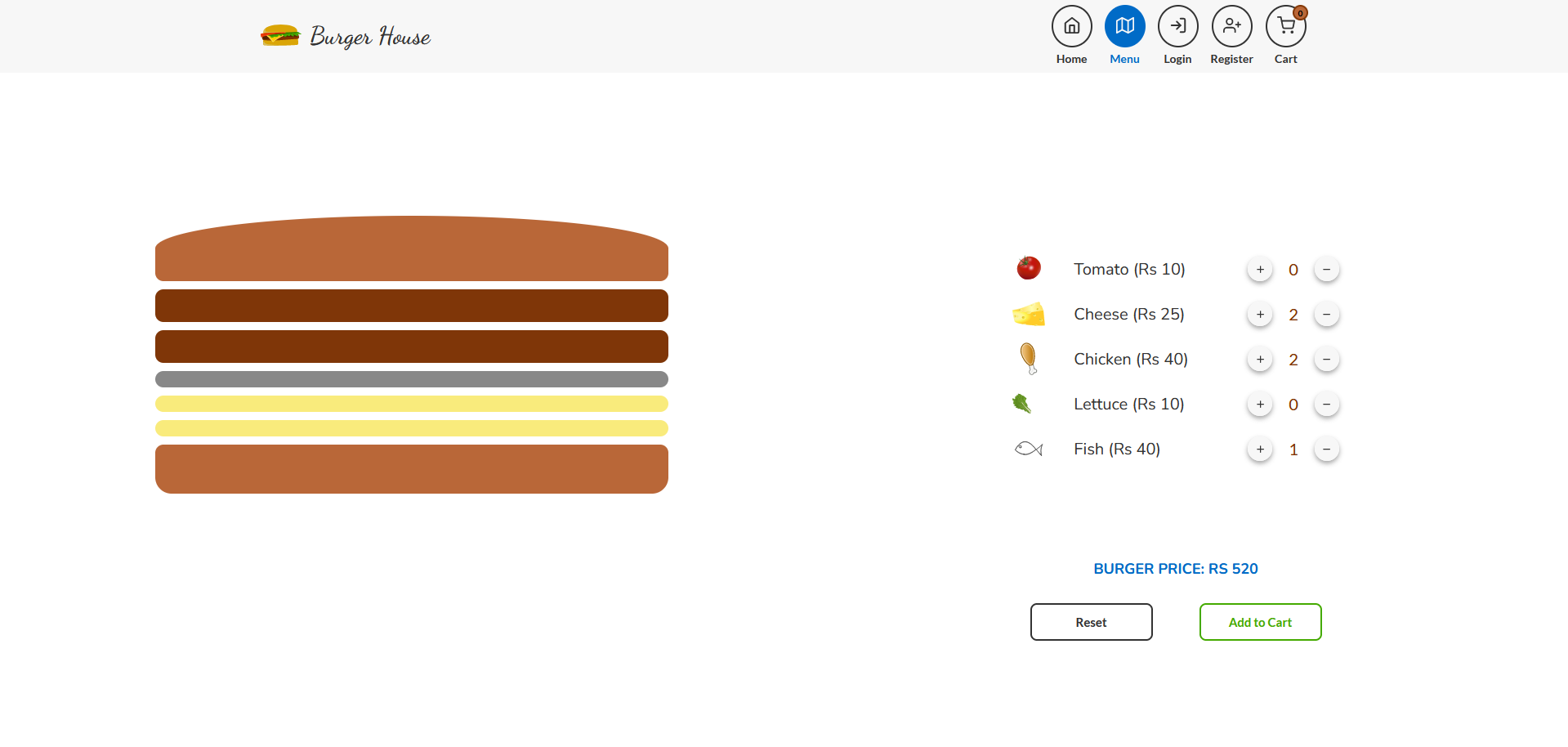
- Real-Time Preview - See your burger as you build it
- Price Calculator - Dynamic pricing based on selections
Menu & Ordering
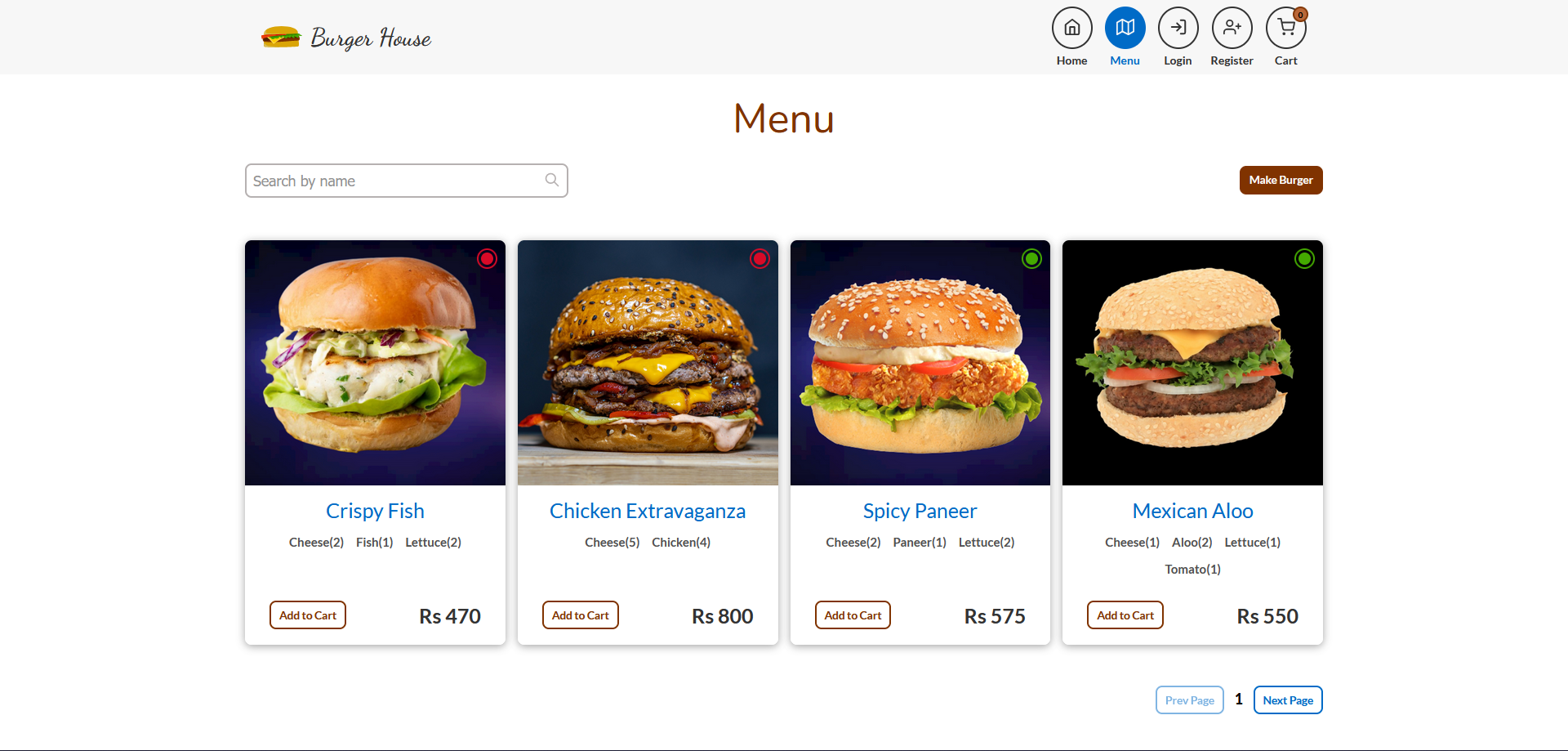
- Curated Menu - Pre-designed burger options
- Cart Management - Add, remove, and modify quantities
- Order History - View past orders and reorder
User Experience
- JWT Authentication - Secure login and registration
- Profile Management - Update personal information
- Order Tracking - Real-time status updates
Delivery Tracking
- MapBox Integration - Interactive delivery map
- Live Location - See driver position in real-time
Admin Dashboard
- Order Management - View and update order statuses
Technical Highlights
Type-Safe Full Stack
- tRPC - End-to-end type safety without code generation
- Zod Validation - Runtime type checking with static inference
- TypeScript - Strict mode throughout the codebase
Performance
- Server-Side Rendering - Fast initial page loads
- Optimistic Updates - Instant UI feedback
- Image Optimization - Next.js automatic optimization
- Code Splitting - Route-based lazy loading
State Management
- Redux Toolkit - Centralized cart and user state
- Persist - Cart survives page refreshes
Styling
- Sass Modules - Scoped component styles
- Framer Motion - Smooth animations
- Responsive Design - Mobile-first approach
Architecture
The application is split into four layers:
- Client Layer - Next.js pages, Redux store, tRPC client, React components
- API Layer - tRPC router with auth, order, and product procedures
- Data Layer - MongoDB accessed through Mongoose ODM
- External Services - Cloudinary for image hosting, MapBox for delivery tracking
Screenshots
The application features a modern, responsive design:
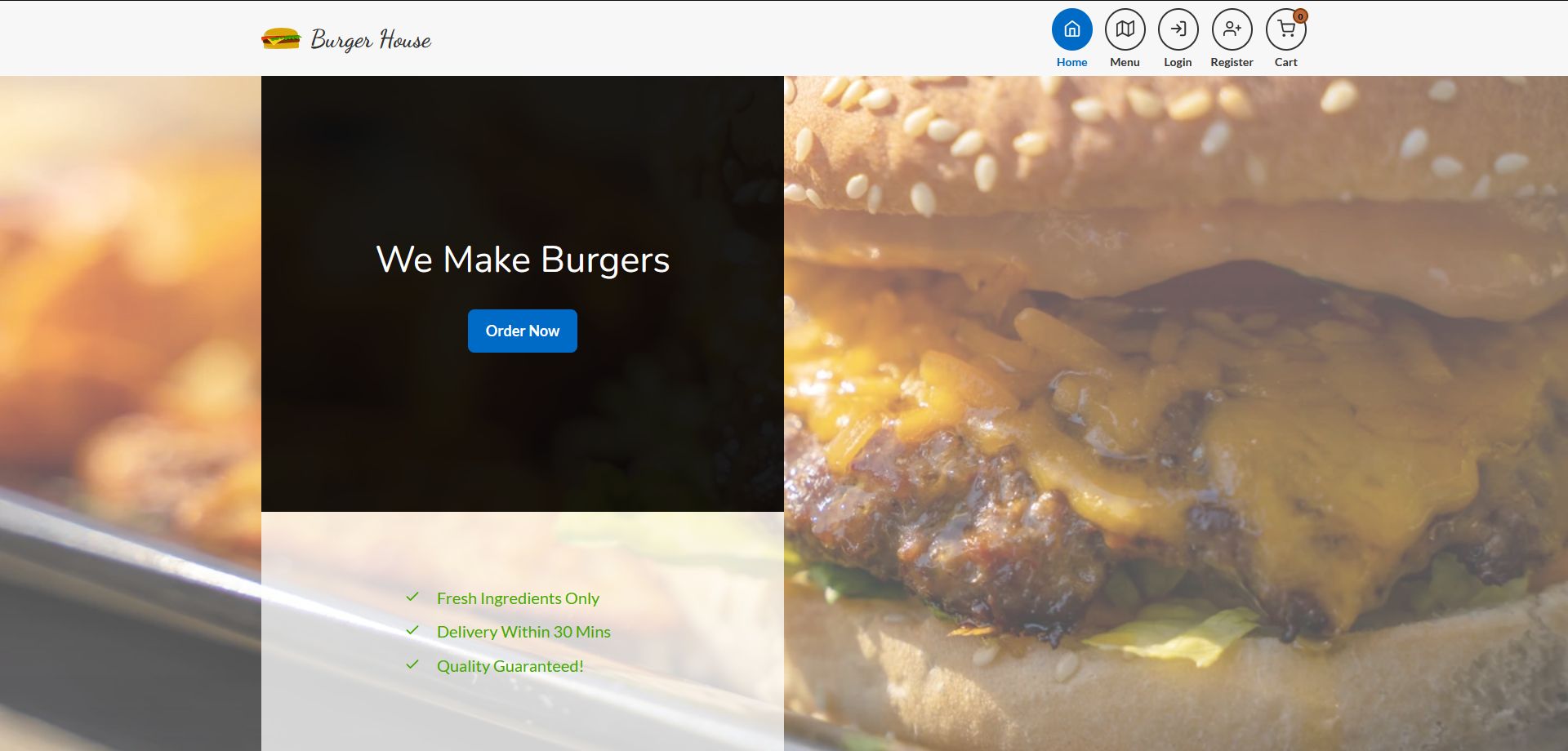
- Home Page - Hero section with featured burgers
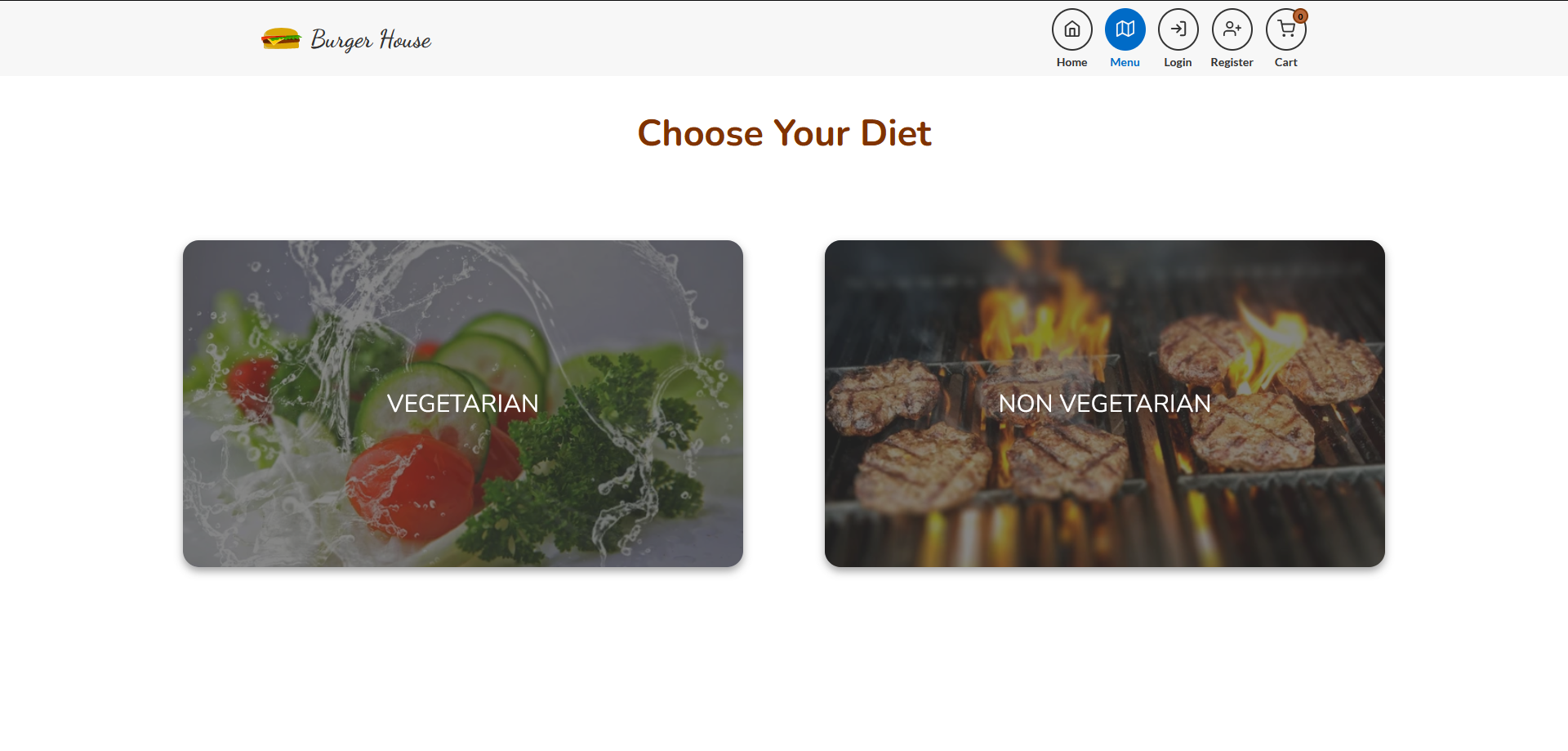
- Menu Page - Grid layout with filtering options
- Burger Builder - Interactive ingredient stacking
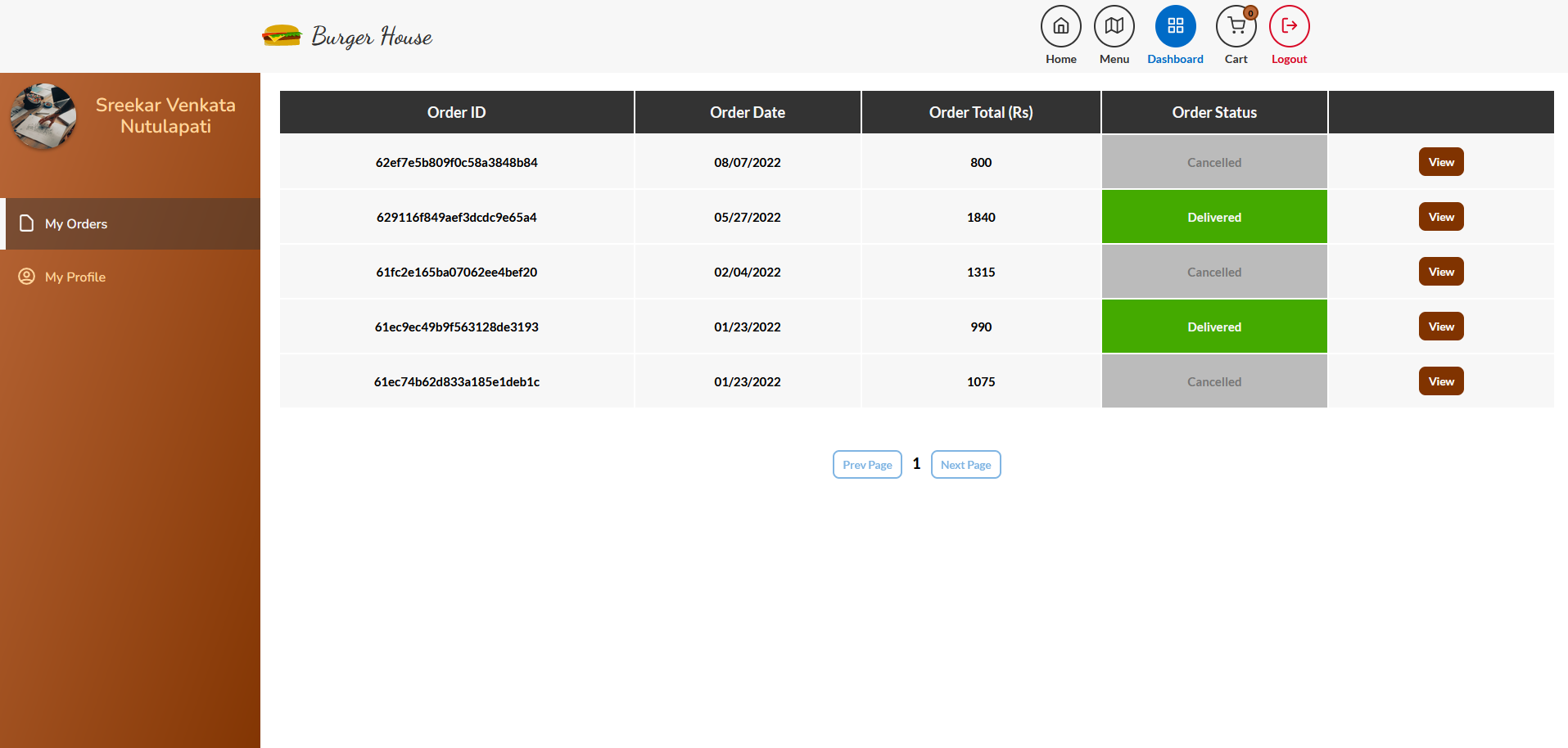
- Customer Dashboard - Order history and tracking
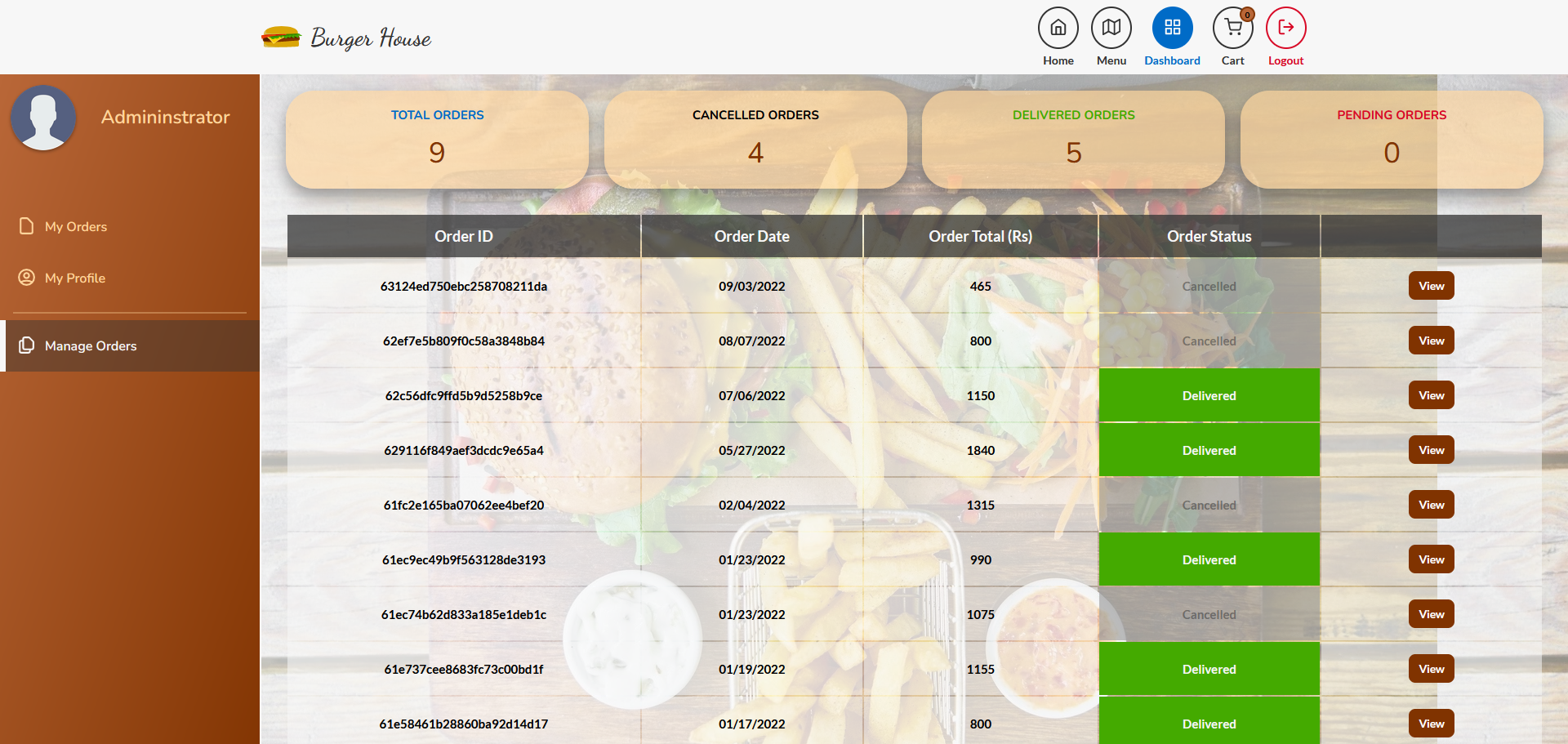
- Admin Dashboard - Order and inventory management
Getting Started
# Clone the repository
git clone https://github.com/sreekarnv/burger-house.git
cd burger-house

# Install dependencies
npm install

# Set up environment variables
cp .env.example .env.local
# Add your MongoDB URI, Cloudinary keys, and MapBox token

# Run development server
npm run dev

# Open http://localhost:3000